How to Simulate Rain in Blender for Realistic 3D Scenes
Rain can transform a simple 3D scene into something atmospheric and alive. The good news

Rain can transform a simple 3D scene into something atmospheric and alive. The good news
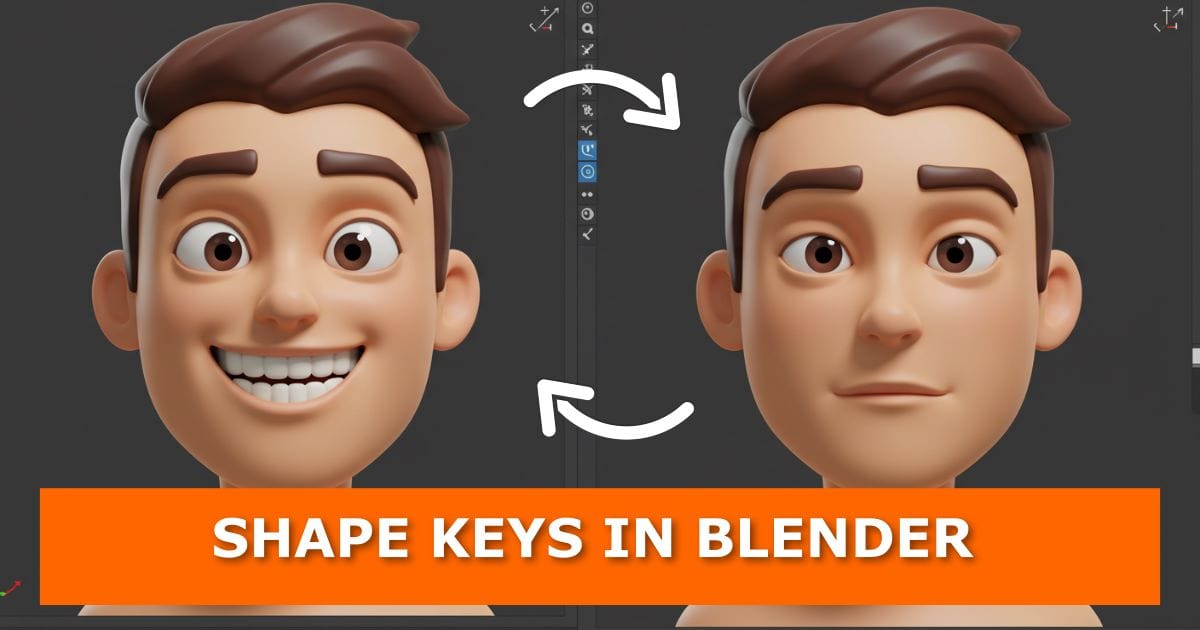
If you’ve ever wanted to give your 3D characters more personality—like making them smile or
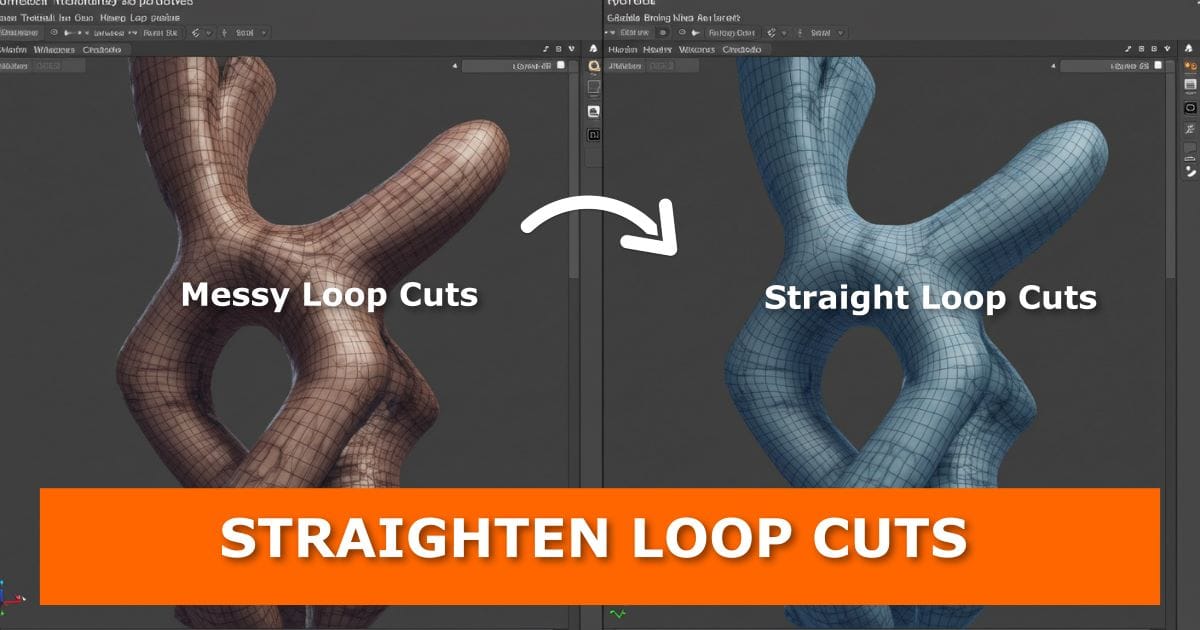
Working in Blender can feel smooth—until something as small as a loop cut throws off
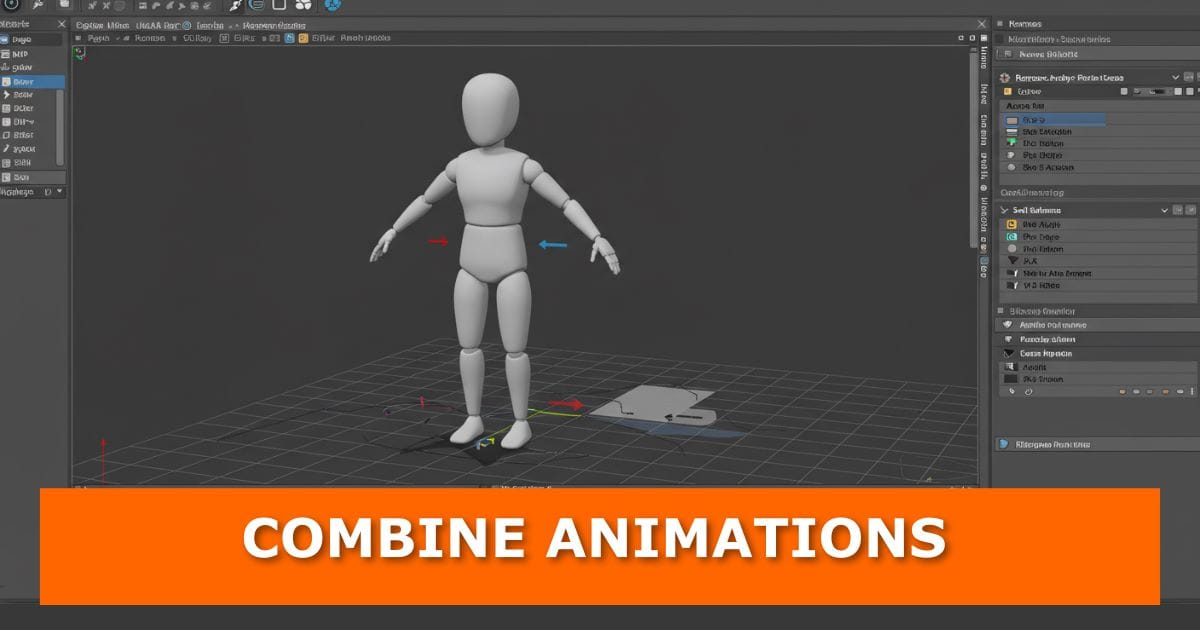
Animations often look stiff when characters snap from one motion to another. A simple way
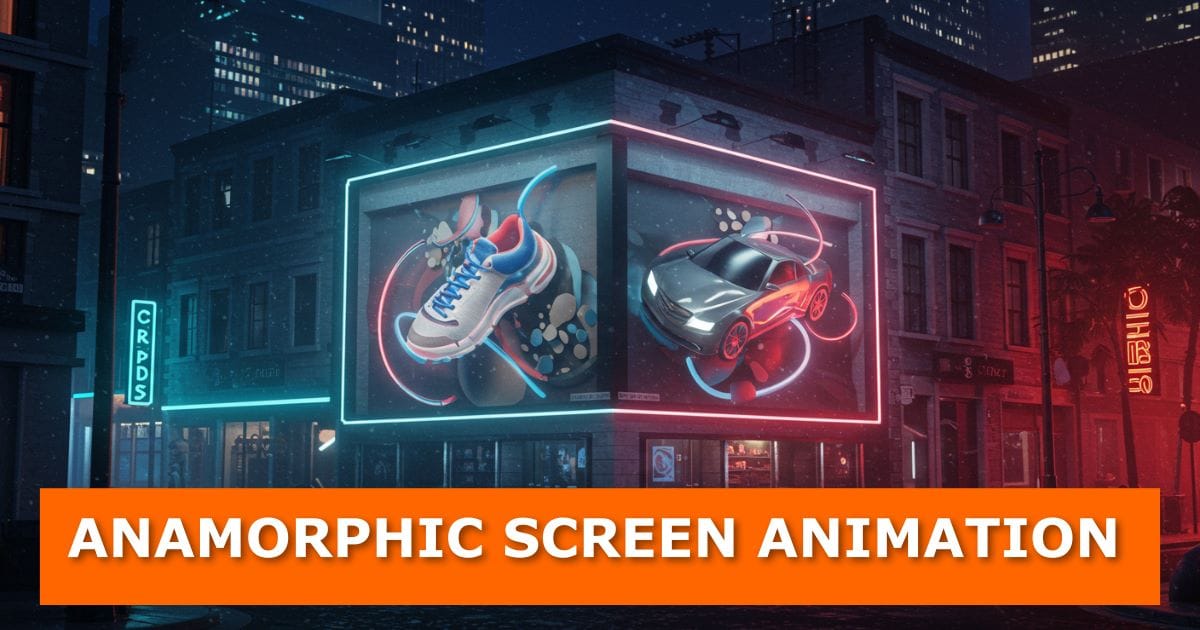
Have you ever seen those massive screens on the side of a building where it
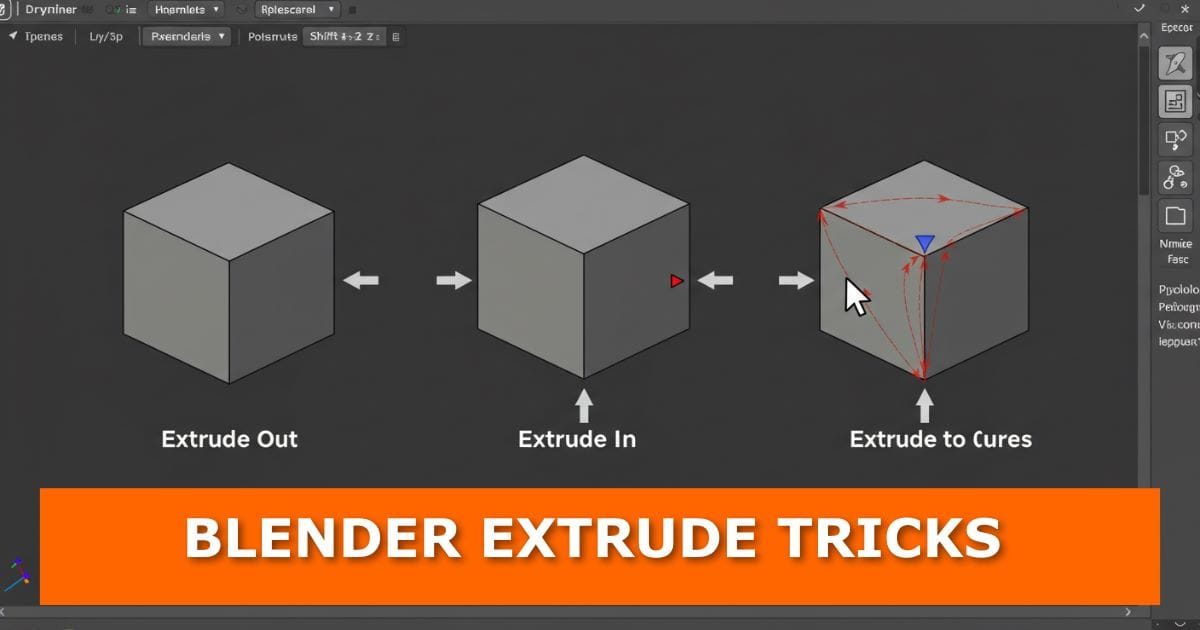
When working in Blender, extrude is one of those tools you’ll use over and over
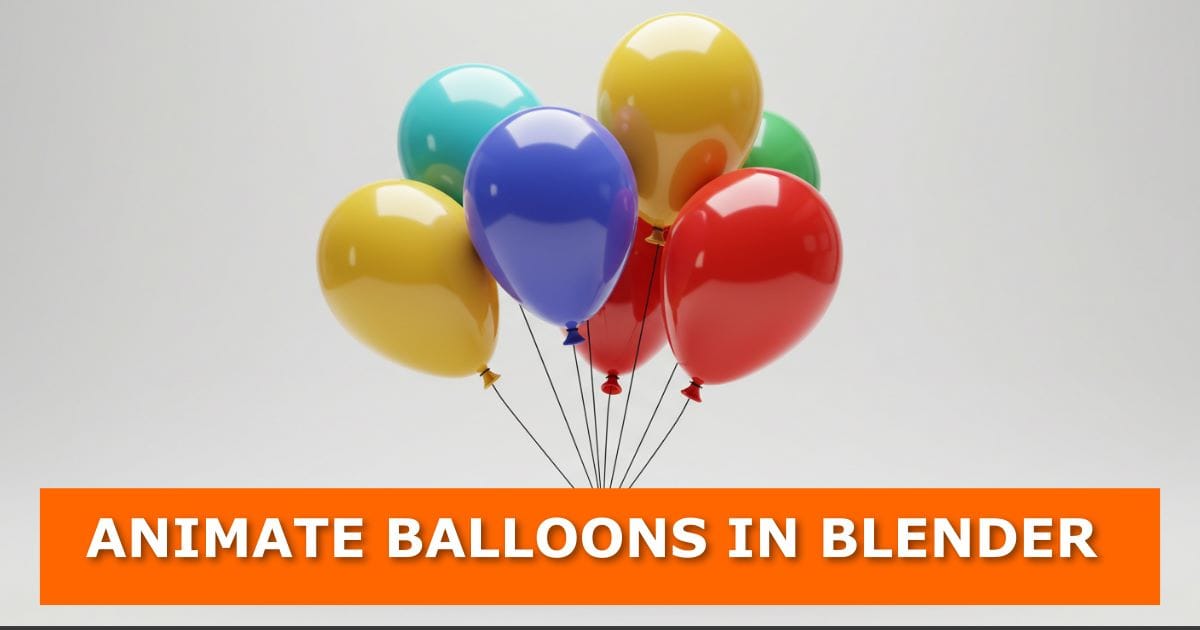
Want to make your Blender projects more fun and lively? In this tutorial, we’ll walk
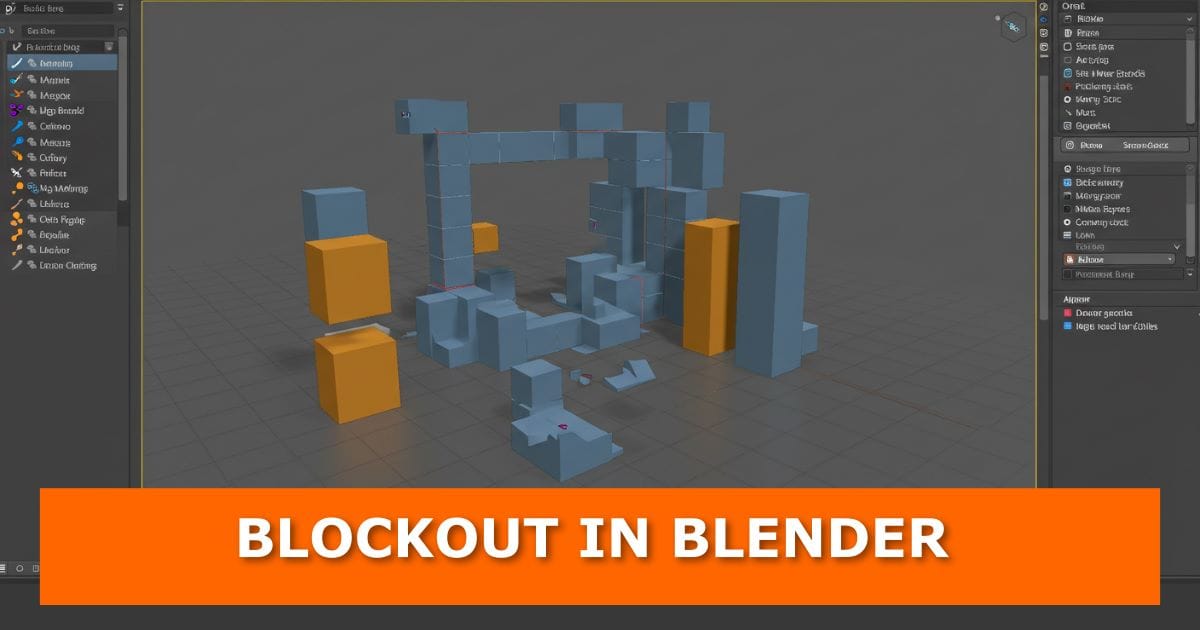
We’ve all been there. You open Blender, load up your reference photos, and then… nothing

Creating realistic clouds in Blender doesn’t have to be complicated or time-consuming. You can get
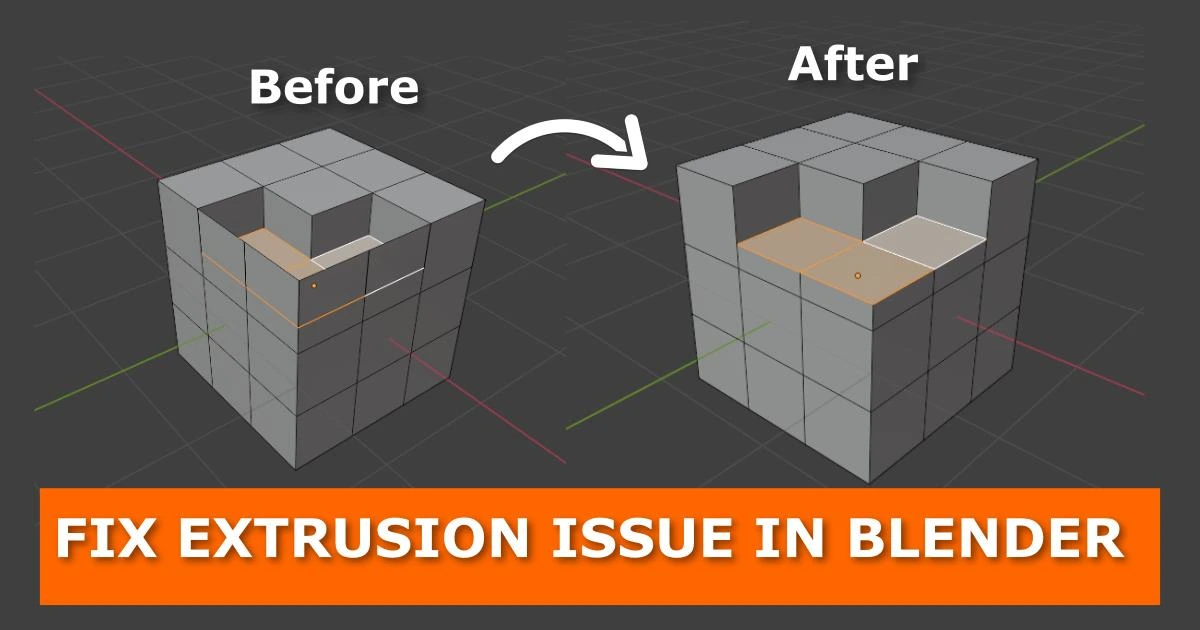
If you’re banging your head against the keyboard because Blender’s extrusion tool isn’t doing what

Have you ever pressed Ctrl + B to bevel your edges in Blender and ended
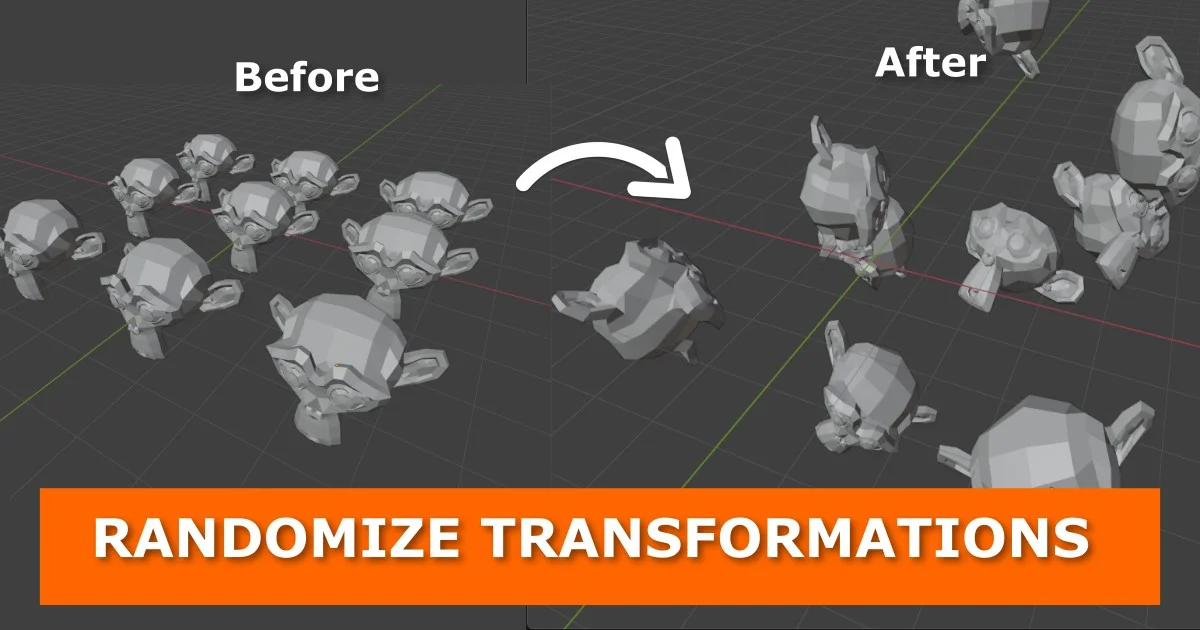
Ever notice how repetitive your 3D scenes can look when all your objects are neatly